Run your home together.
Famora is the calm family command centre — one shared place for the calendar, shopping, meals and the mental load.


Free to start · iOS & Android

Less mental load
Stop being the only one who remembers the dentist, the groceries and what's for dinner.
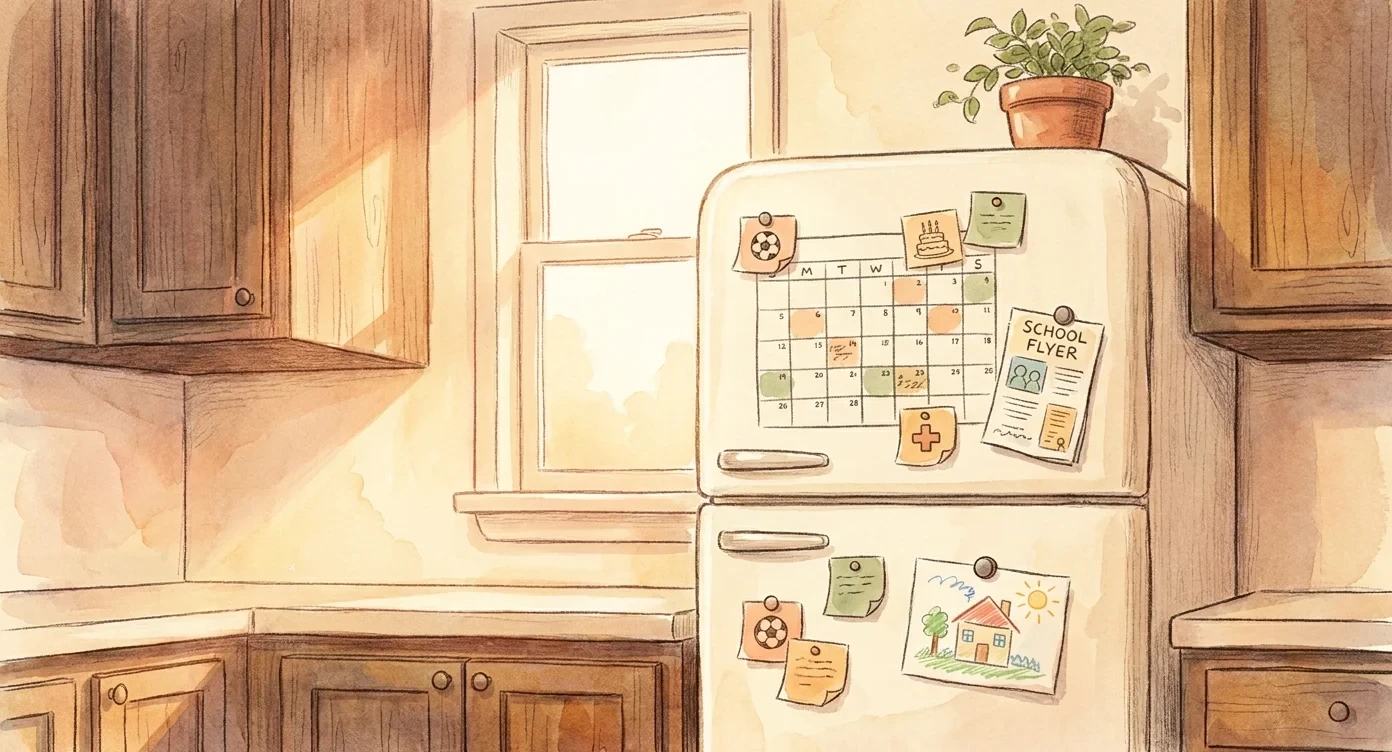
Family calendar
One calendar your whole household trusts.
Color-coded events for every family member, including kids and pets who don't need their own login.
Two-way Google Calendar sync
Pick which of your personal calendars sync in either direction. Nothing leaks unless you choose to share it.
Per-profile colors
Every person (and pet) gets their own color. See the whole week at a glance.
Recurring events & reminders
Set school pick-ups, soccer practice and the dentist once. Famora keeps everyone notified.

Shopping lists
A grocery list that auto-sorts itself.
Add 'milk' and it lands in Dairy. Add 'broccoli' and it lands in Produce. Shop the aisle, not the chaos.
14 categories, auto-assigned
Produce, dairy, pantry, frozen, household and more, sorted for you the moment you type.
Realtime household sync
Your partner picks up bread on the way home and the item disappears from your list instantly.
Recipe → list in one tap
Send a recipe's ingredients straight to this week's shop, deduplicated against what you already have.

Meal planning
What's for dinner? Decided.
Plan the week in five minutes. Drag recipes onto days, see what's already in the fridge, generate the shop.
Drag-and-drop week grid
Breakfast, lunch and dinner across the whole household, on one screen.
Your own recipe book
Save recipes from links, photos or scratch. They're yours to remix forever.
From plan to pantry, automatically
Approve the week and Famora builds the shopping list, deduped against your pantry.

AI capture
Snap a school flyer. We'll do the rest.
Point your camera at a permission slip, a birthday invite or a hand-written shopping list. Famora reads it and files it where it belongs.
Flyer → calendar event
Date, time, location and notes, extracted in seconds and added to the right person.
Voice → todo
Mutter it on the school run. Famora transcribes and routes it to the right list.
Recipe → cookbook
Import a recipe from a URL or photo. Ingredients are categorised and ready to shop.
How it works
Set up in under three minutes.
- 1
Install Famora
Download on iOS or Android. Sign in with Apple, Google or just an email.
- 2
Invite your household
Share a code with your partner. Add kids, pets and caregivers as profiles, no extra logins needed.
- 3
Start coordinating
Drop in your first event, shopping list or meal plan. Everyone stays on the same page from day one.
Guides
Run your home smarter.
Practical guides on the mental load, family calendars, meal planning and chores. Written for real households.

How to Share the Mental Load With Your Partner
The mental load shifts when tasks get named owners, not helpers. A practical way for couples to split the invisible work of running a home.
Read the guide →
How to Set Up a Shared Family Calendar Everyone Actually Uses
Most shared family calendars die within a month. The setup that survives: one home for family events, color per person, and a recurring backbone.
Read the guide →
How to Put Kids on a Family Calendar Without Email Accounts
Kids don't need email addresses to be on the family calendar. Profiles give children, pets and grandparents a color and a schedule with no login at all.
Read the guide →FAQ
Questions, answered.
Is Famora free?
Yes. The shared calendar, shopping lists, todos, chore chart and meal planning are free for your whole household. Premium adds AI capture (photo and voice), recipe import and two-way Google Calendar sync.
How do I put my kids on a family calendar without giving them email accounts?
Add them as profiles, not accounts. A profile has a name, a color and a schedule, and never signs in. That covers kids, grandparents, sitters and even the dog.
Learn more →Does Famora sync with Google Calendar?
Yes, in both directions. You choose which of your personal calendars sync in, and which shared events sync back out. Work events you don't share stay private.
Learn more →Can Famora turn a school newsletter into calendar events?
Yes. Snap a photo of the flyer or paste the email, and AI Capture extracts the date, time, location and notes, assigns the right child, and shows you a review screen before anything is saved.
Learn more →How does the shared grocery list work?
Type an item and it lands in the right category automatically: milk in Dairy, broccoli in Produce. The list updates on everyone's phone in real time, so two people can shop the same list without double-buying.
Learn more →Can we plan meals for the week?
Yes. Drag recipes onto a week grid covering breakfast, lunch and dinner, then generate the shopping list from the plan. Ingredients are deduplicated against what's already on your list.
Learn more →What is the mental load, and how does an app help share it?
The mental load is the invisible work of remembering, planning and chasing everything the household needs. Famora makes that work visible by giving every event, chore and errand a named owner.
Learn more →Does Famora have a chore chart for kids?
Yes. Assign chores by name or avatar, set recurrence like every Saturday or every other Tuesday, and everyone can see who owns what this week.
Learn more →Which platforms is Famora on?
iPhone, iPad and Android, synced through your household in real time. You can start anonymously and sign in with Apple, Google or email later.
Is my family's data private?
Your household's data is visible only to invited members. There are no third-party ad trackers in the app, and you can delete your account and your data at any time.
Bring the calm back to family life.
Download Famora and run your home as a team, starting tonight.