How to organize a grocery list by aisle
A grocery list works when its order matches the order you walk the store: produce first, then bakery, then dairy, then frozen last so nothing melts. Sorted that way, a weekly shop drops from about forty minutes to twenty-five, because you never double back for the one item you passed three aisles ago.
You can do this with a pen by leaving gaps between sections. Or you can let the list sort itself.
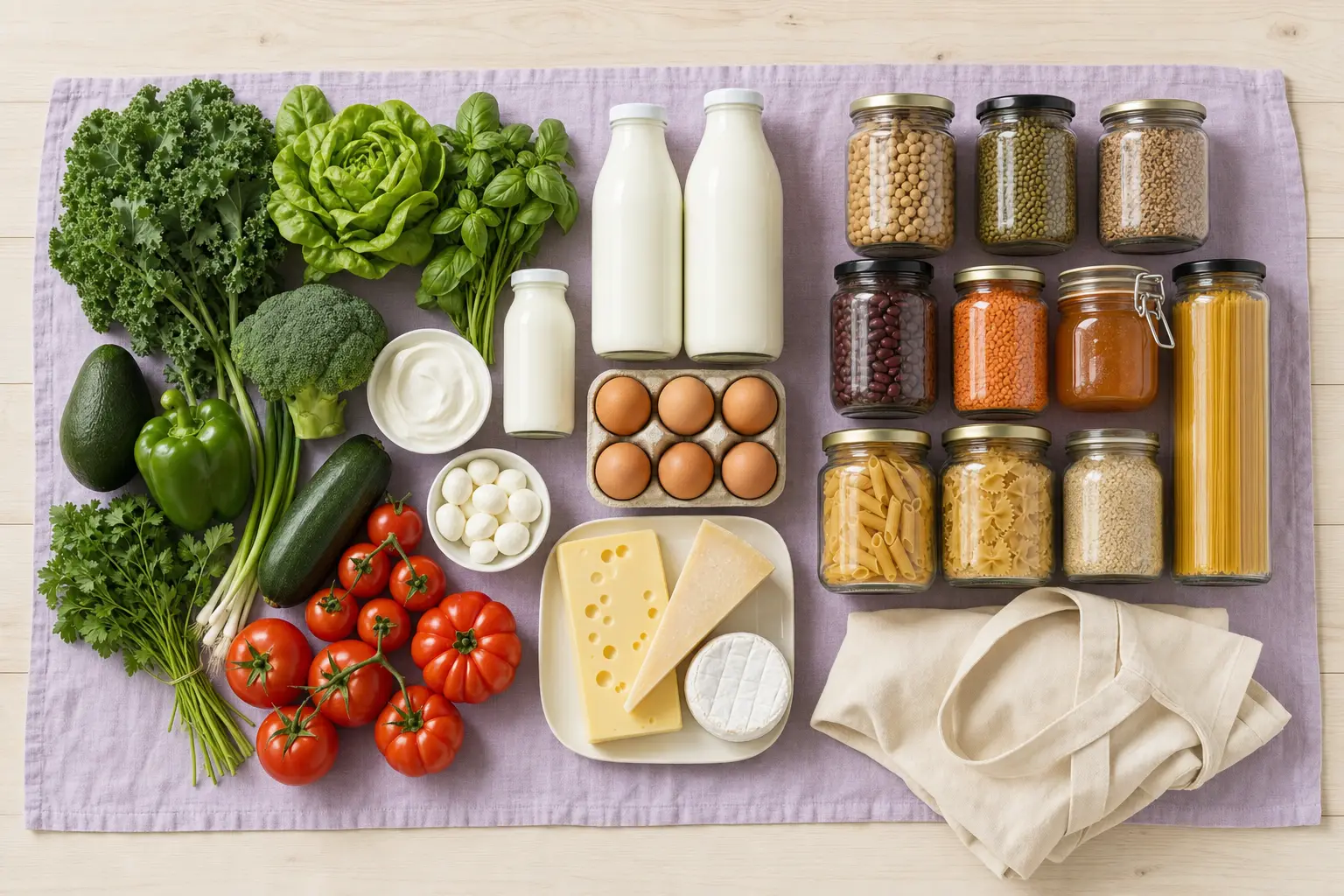
Add order is the enemy
Lists get written in the order needs are noticed: cereal when the box rattles, milk at breakfast, batteries when the remote dies. Shopping in that order means zigzagging the store and re-reading the whole list at every aisle to check what you've missed. The list is complete and still wastes your time.
Aisle order fixes the traversal. Group every item by where it lives in the store, and shopping becomes a single forward pass: work through Produce, close it out, move on.
Categories that assign themselves
In Famora you type "milk" and it lands in Dairy; "broccoli" files under Produce; "kitchen roll" goes to Household. Fourteen categories cover the typical supermarket, and the assignment happens as you type, so the list is always in shopping order without anyone maintaining it.
This matters most for the person who didn't write the list. Handed forty items in aisle order, your partner can do the shop cold, without texting you "where do I find tahini" from aisle six.
One list, every phone, live
A shared list only beats paper if it's actually shared. Famora syncs the household list in real time: add crumpets from the sofa and they appear on the phone of whoever is already at the store; when your partner grabs bread on the way home, it disappears from your list before you leave to buy it again.
Items can carry an owner too, so "pick up the prescription" sits on the list under the name of the person passing the pharmacy.
From recipes straight to the list
The weekly food shop is mostly ingredients for planned meals, so Famora connects the two: pick the week's recipes and send their ingredients to the list in one tap. Everything arrives pre-categorized, and duplicates merge, so two recipes needing onions become one line, not two.
Pantry checks close the loop. Ingredients you already have get skipped instead of bought again, which is where most of the money savings from meal planning actually come from.
Common questions
- Is a shopping app really faster than a paper list?
- For one person with ten items, paper is fine. The app wins when the list is long, when two people add to it across the week, or when someone other than the list-writer does the shop. Aisle order and live sync are the two things paper can't do.
- What stops us buying the same thing twice?
- The list is one shared object, not copies. When anyone ticks off bread, it's ticked off for everyone instantly, so the second shopper sees the current state of the list, not a stale copy.