Read in: Deutsch · Español · Français · Português (BR)
How to set up a family command center that actually gets used
A family command center is one shared place that answers "what's happening, who's doing it, and what do we need" for everyone in the house. The ones that last aren't the prettiest wall setups. They're the ones where the calendar is the real calendar, every chore has a name on it, and incoming school paper has exactly one place to land.
Here's how to set one up, whether it lives on a wall, a shared tablet or everyone's phone.
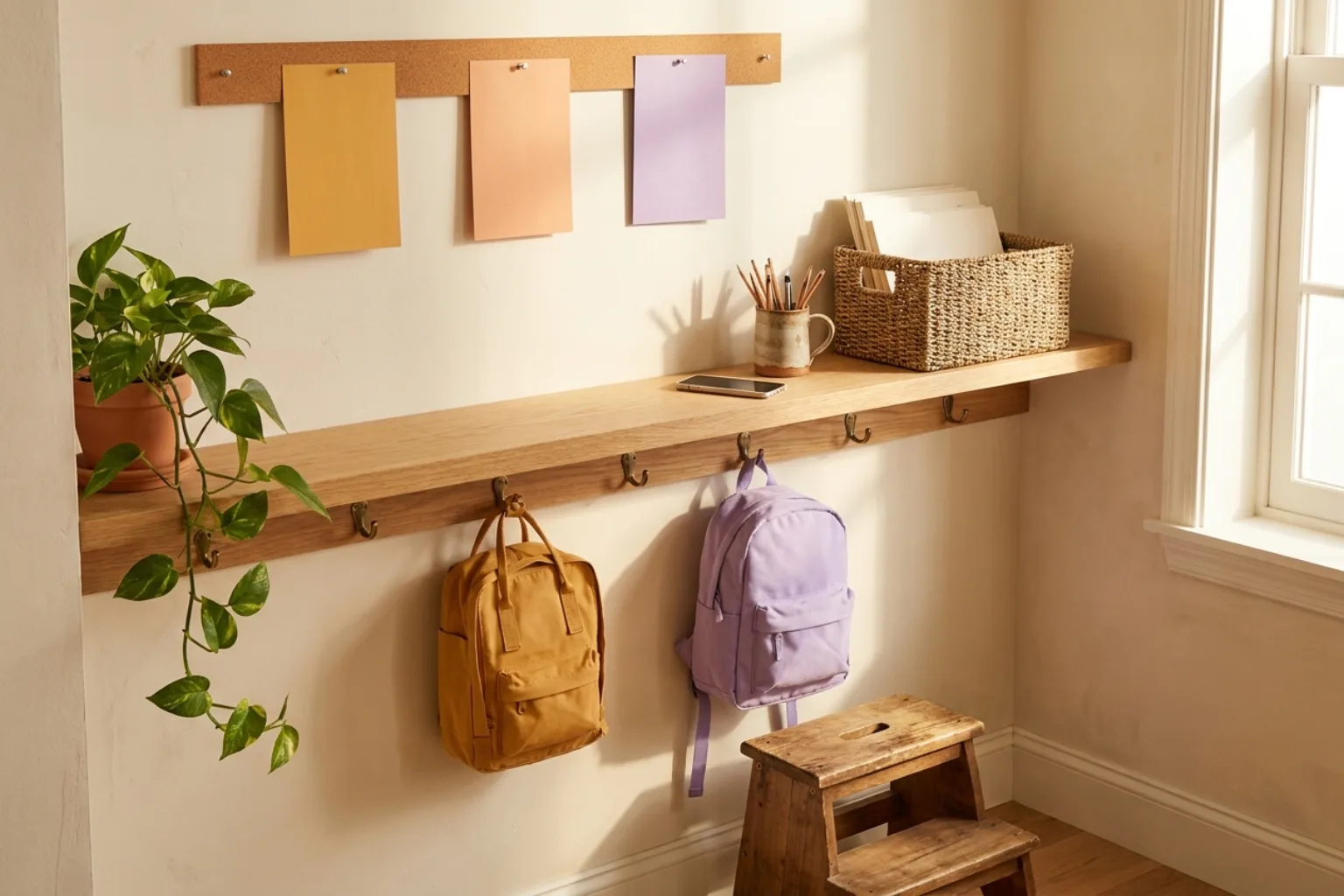
Set up a family command center
- 1
Choose one calendar of record
Pick the calendar the household already trusts, usually Google Calendar, and make it the single source. Anything that isn't on it isn't happening.
- 2
Give everyone a profile
Every child, grandparent, sitter and co-parent gets a name and a color, so "who has what today" is visible at a glance. Kids don't need an email address to have a column.
- 3
Create one landing spot for school paper
Flyers, permission slips and newsletter emails all go to one place, and get turned into dated events the same day.
- 4
Put chores and routines next to the calendar
Assign each chore to one person and give it its real recurrence: daily, weekly, every other Saturday. The schedule does the reminding.
- 5
Make it visible where the day starts
Put it where the family passes in the morning: the kitchen, the hallway by the backpacks. For kids without phones, that means a shared device or a printed routine card.
What a family command center actually is
Strip away the chalkboard paint and a command center does four jobs: it shows the schedule, it shows who owns each job, it catches incoming information before it gets lost, and it holds the running lists (groceries, errands, things to buy for school). If your setup does those four, it's working, whatever it looks like.
Most setups fail at the third job. The calendar on the wall is accurate for a week, then a school newsletter arrives, nobody transfers the dates, and the wall quietly stops being the truth. Once one person stops trusting it, everyone does.
Wall screen, tablet or phone: where should it live?
A dedicated wall display is great for young children who don't carry phones: they can walk up and see what's next. The tradeoffs are cost, a device that only does one thing, and a schedule that's only visible when you're standing in the kitchen. Adults spend most of the day somewhere else, which is where the calendar has to reach them.
Famora is built phone-first: the family calendar, lists, meal plan and chores live on every adult's phone and stay in sync in real time. For the kids, open it on a shared family tablet or a parent's phone at the start and end of the day. For pre-readers, a picture routine card by the door handles the morning, while the real schedule stays in the app.
Connect the calendar you already use
Don't rebuild your schedule. If Google Calendar is already the backbone of the household, sync it in. Famora Premium two-way syncs with Google Calendar: you pick which calendars flow into the family view and which family events flow back out, so work calendars can show up as busy time without sharing the details.
On the family side, each event belongs to a person and shows in their color, so school, work, appointments and the bus schedule read as one week instead of four overlapping calendars.
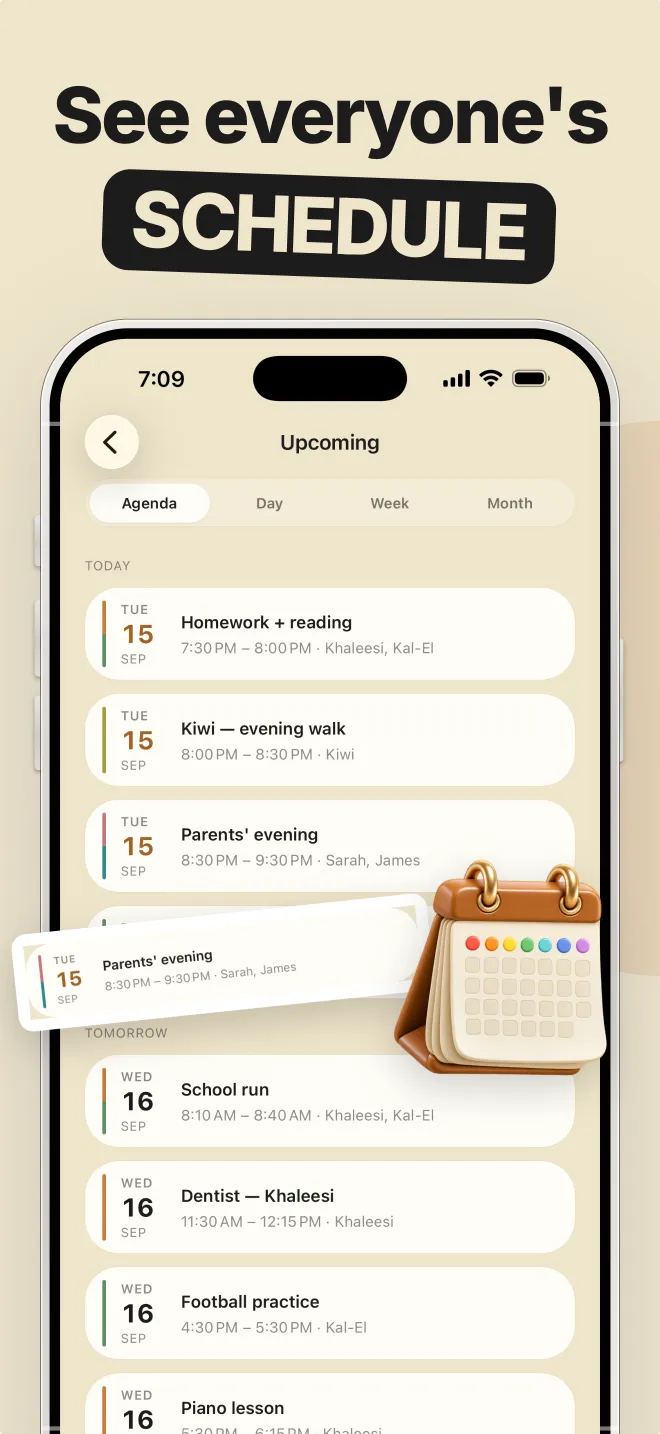
Turn school paperwork into the plan
The steady stream of school information is where command centers break. Give it a routine: anything that arrives gets captured the same day. In Famora, AI Capture (Premium) reads a photo of a flyer or a pasted school email, pulls out the date, time and location, assigns the right child, and shows you a review card before anything is saved.
The paper itself can then go in the recycling, or in one basket for things that need a signature. Nothing important lives only on the fridge.
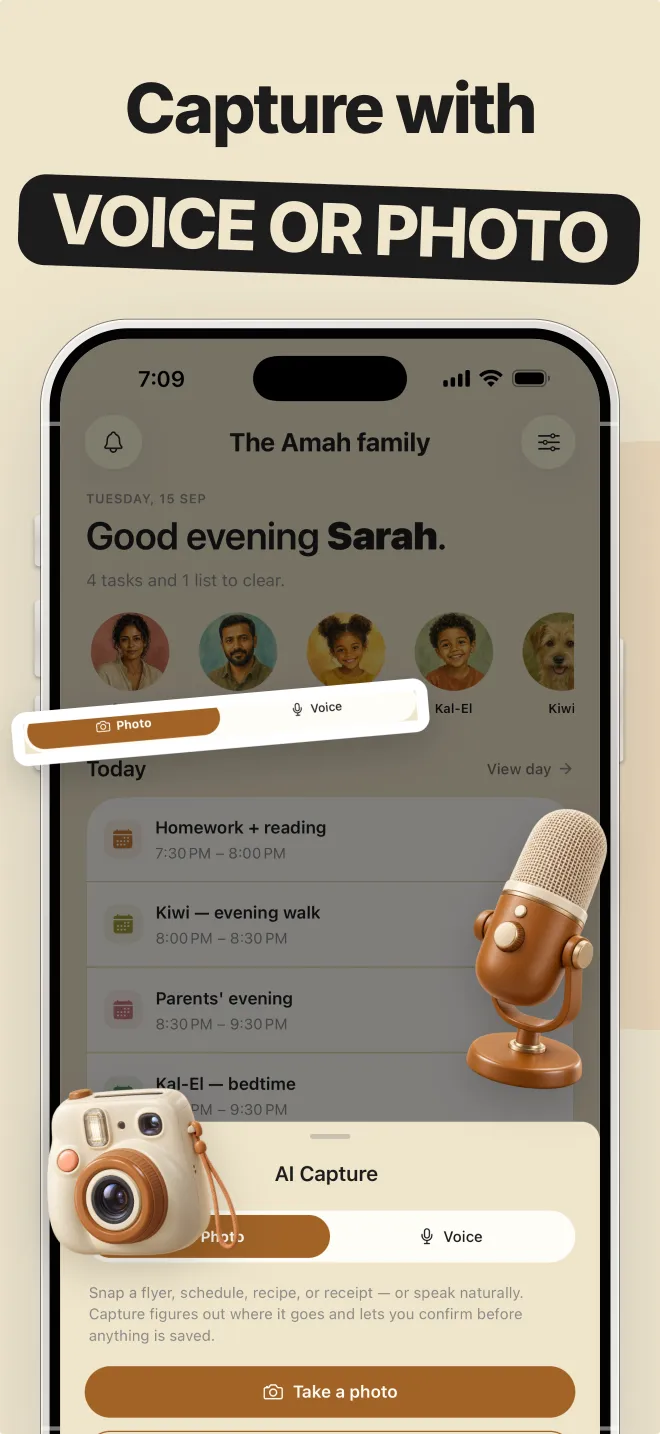
Let kids own their part
Children take ownership when they can see their own name on a job. Assign each chore to a child's profile, set its recurrence, and their jobs appear under their avatar next to the family calendar. Start with two or three chores per child and add more as the habit sticks.
This works for every family shape: grandparents raising grandchildren, co-parents across two homes, sitters who need to know the pickup plan. Everyone who's part of the routine gets a profile, and only the adults need an account.
Common questions
- Do I need a wall-mounted screen for a family command center?
- No. A command center is a shared system, not a device. A wall display helps young kids see the day, but the schedule, chores and lists need to reach adults wherever they are, which is why phone-based family apps work well as the core.
- What should go in a family command center?
- The family calendar, a chore list with an owner on every job, the shopping list, the week's meal plan, and one place for incoming school paperwork. Keep anything else, like menus and old artwork, somewhere else.